
Second - Floating Clock
Chengdu Beiyu Enterprise Management Consulting Co., Ltd.
5.0(2)UtilitiesAges 4+
Screenshots



About this app
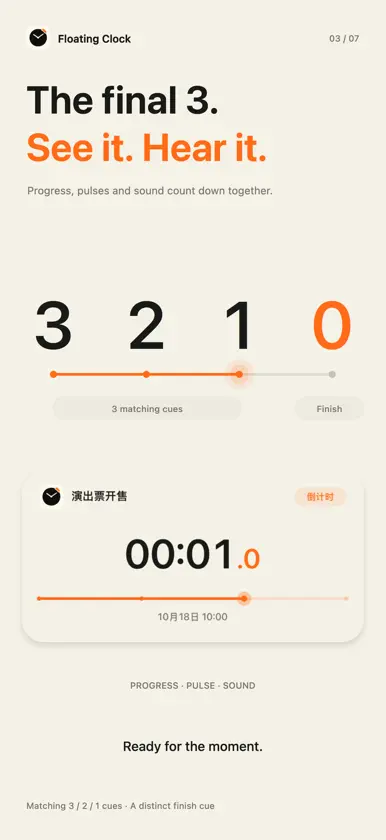
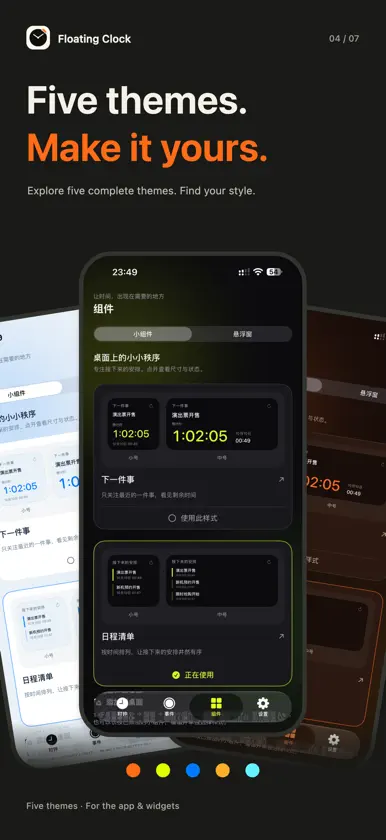
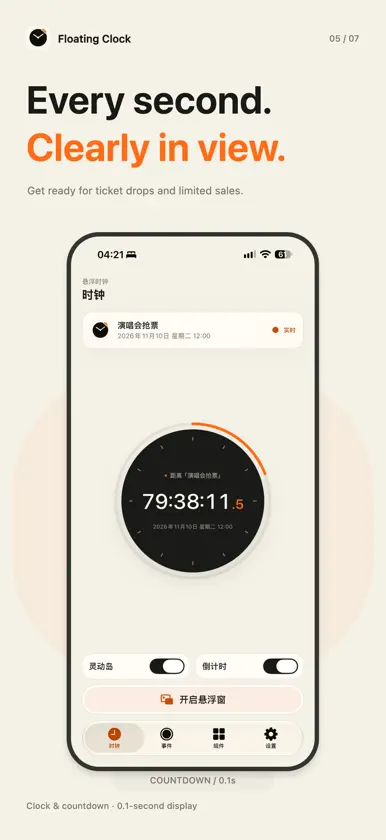
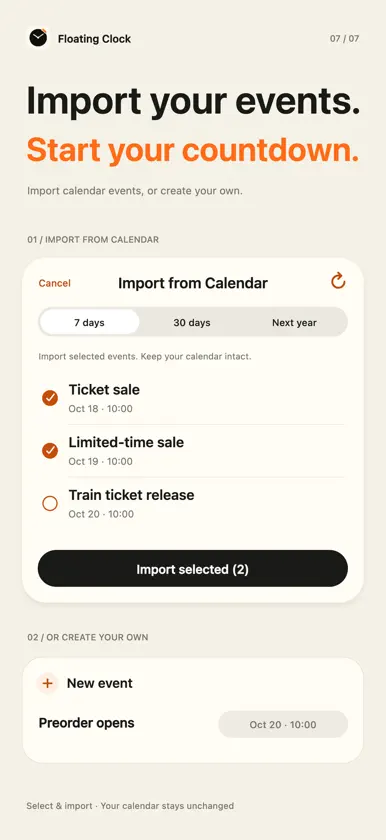
Keep every moment in sight. Prepare for ticket sales, product reservations and important events with a clock and countdown that stay close. TIME THAT STAYS WITH YOU View device time or an event countdown in a floating window in supported system contexts. Choose a Clean clock card or a Pro monitor strip. A GLANCE IS ALL IT TAKES Use Dynamic Island and Lock Screen Live Activities to see time, countdowns and event information on compatible devices. REMINDERS BEFORE IT MATTERS Set separate notifications and alarms for each event, each with its own lead time. New events default to a 3-minute notification and a 1-minute alarm; turn on each option when needed. Alarms require iOS 26 or later and permission. Notifications follow your system notification and Focus settings. Pause either channel in Settings while keeping each event's lead time. READY FOR THE LAST THREE SECONDS Enable countdown sounds to hear cues at 3, 2 and 1, followed by a completion sound, while the app is in the foreground or its floating window is active. ADD EVENTS YOUR WAY Create events manually or select events from Calendar to import. Include notes and links, and optionally save a new event to Calendar. Run the New Event action with Siri or Shortcuts, provide a title and time, then continue editing in the app. WHAT'S NEXT, ON YOUR HOME SCREEN Next Event and Agenda widgets come in small and medium sizes. Events are ordered by time, and expired events can be cleared after confirmation. YOUR LANGUAGE Choose Simplified Chinese, Traditional Chinese, English, Japanese or Korean in Settings. On first use, the app follows your system language preferences and falls back to English when none match. ONE PURCHASE, MORE CHOICE Basic clock, countdown, event management, calendar import, Home Screen widgets, Live Activities and the Clean clock card floating-window style are free. A one-time Full Version in-app purchase unlocks additional themes and floating-window styles. No auto-renewing subscription. Restore Purchases is available. PLEASE NOTE Time and countdowns show tenths of a second in supported views; Home Screen widgets do not promise second-by-second refresh. The app uses device time, provides no server synchronization, and does not automate or guarantee ticket or product purchases. Floating windows, Live Activities and Siri depend on device and system conditions. Calendar, notifications and alarms require their respective permissions. China mainland APP ICP filing: 蜀ICP备2026062446号-2A Support: https://moxilab.org/en/support/ Privacy: https://moxilab.cn/en/privacy/ Contact: contact@moxilab.cn
What's new
Version 1.0.5 · Nov 13, 2026
A better feel, down to the minute. A smoother dial Turn quickly to move with your finger, or slow down for precise, minute-by-minute adjustments. Animated ticks, crisp clicks and gentler haptics work together. We've also improved protection against accidental dial gestures around the plus and minus buttons. Set it once. Count down again. Recurring events are here. Choose daily, weekdays or specific days of the week without recreating the same event each time. Bring your reminders along Import from Apple Reminders, organized by list. If an item has no date or time, add one before importing. No need to type everything again. Try a new look You can now try premium themes before deciding whether to unlock them. We've also fixed bugs and refined the event editor and import screens to make everyday use feel smoother.
In-app purchases
The most popular purchases on the App Store.
- Full VersionConsumable$0.99


