
Screenshots




About this app
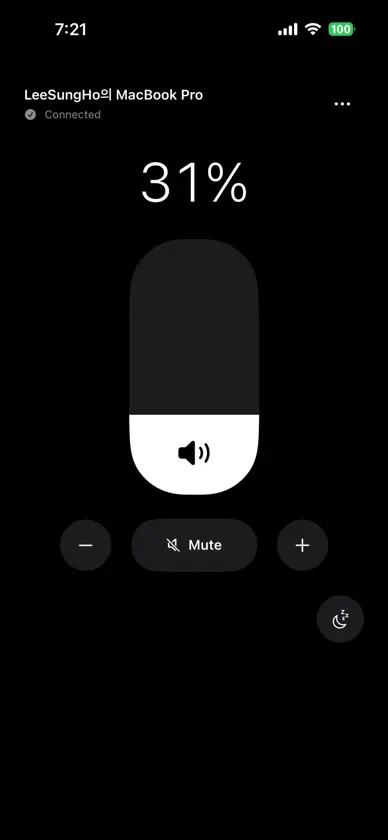
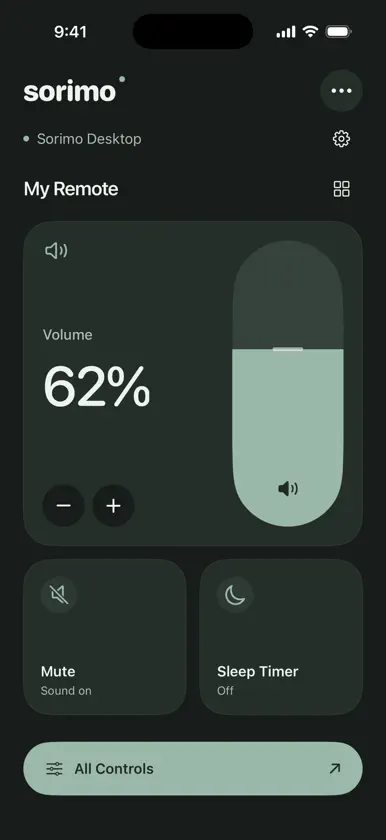
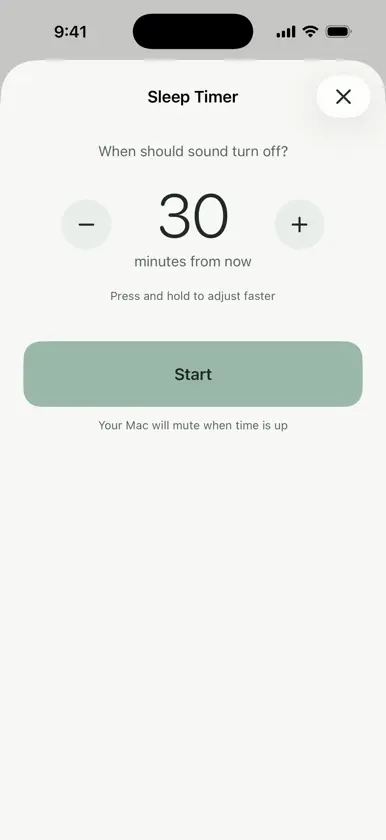
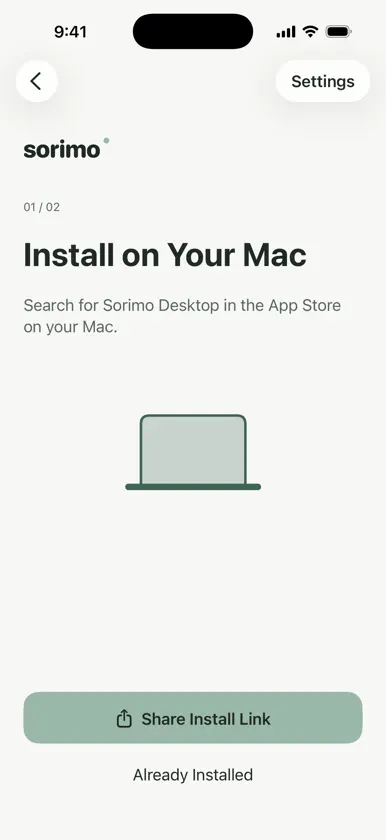
Control the sound of a computer running Sorimo Desktop from your phone. Adjust volume, mute the sound, and set a sleep timer that mutes audio when time runs out. • Adjust volume with a vertical slider and buttons • Mute with a tap • Set a sleep timer • Add frequently used controls to favorites • Touch and hold cards to rearrange or remove them from the home screen • Keep your favorites and layout between sessions • Choose light or dark mode • Use the app in nine languages Both Sorimo and Sorimo Desktop are required. Before getting started, check that your computer supports Sorimo Desktop. Find and share its installation link from the app. Connect both devices to the same local network, scan the QR code shown on your computer, and approve the connection on the computer. Keep the desktop app running while using the remote. Some audio outputs do not support system volume or mute. School, public, or guest networks may block connections between devices. Remote control over the internet is not supported.
What's new
Version 1.2 · Nov 2, 2026
• Added favorites and touch-and-hold rearrangement. Your favorites and layout are saved between sessions. • Improved first-time setup with a pixel animation and separate steps for desktop installation and QR pairing. • Share the desktop app installation link. • Enjoy a softer sage color palette. • Added German, French, Spanish, Brazilian Portuguese, Italian, and Dutch.


