
Zero Camera
Koichiro Kamada
5.0(4)Photo & VideoAges 4+
Screenshots


About this app
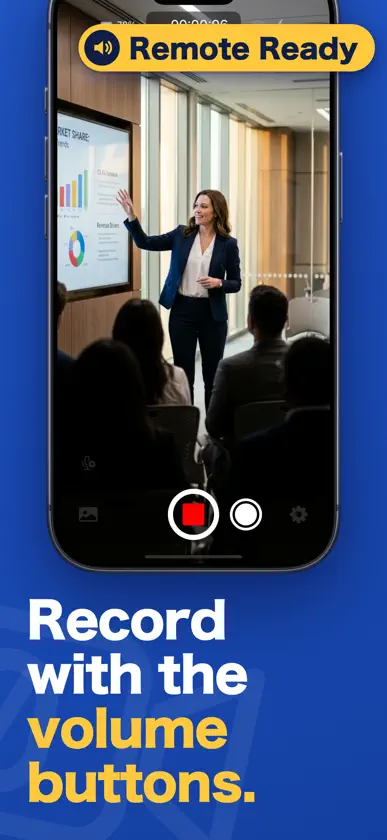
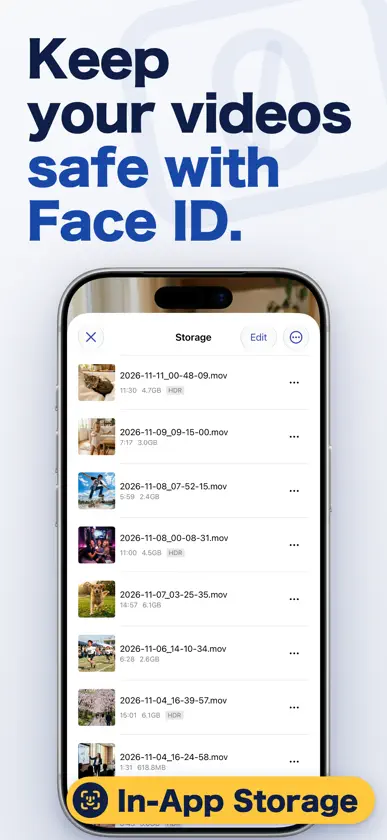
Start recording video in an instant. That's the whole idea behind this app. It launches incredibly fast — and not just fast. Once launched, recording starts automatically with zero interaction required. After stopping a recording, you can seamlessly share to other apps and social media. You can capture both video and photos at any time without switching modes. All of the above is available for free, no special purchase required. Built with all the know-how developed in our sister app "Mugen Camera" over several years. Mugen Camera records as long as possible. Zero Camera starts recording as fast as possible. We hope you enjoy both! [Key Features] 1. Auto-record on launch. No tapping needed. [Super convenient!] 2. Auto-stop recording when you leave the app (home screen or switch apps). 3. Lock recording orientation. Record in your preferred direction regardless of device orientation. 4. Seamlessly share to external apps and social media after stopping. [Super convenient!] 5. Saves to your Photo Library just like the built-in camera. 6. All the video recording expertise from our popular sister app [Mugen Camera] — 3+ years of development. 7. Secure in-app storage vault with privacy protection. (Premium) 8. Screen Saver feature loved in Mugen Camera. (Premium) 9. Restores zoom level, quality, and other settings automatically on relaunch. 10. Auto-mirror video from the front camera. 11. Capture video and photos anytime without switching. [Super convenient!] [Optimized Architecture] Launch and resume processing are parallelized to the maximum. Takes full advantage of modern multi-core CPUs. [Premium Features (Paid)] 1. Change recording quality 2. Change frame rate (fps) 3. Screen Saver (covers the screen with a dark full-screen or custom image) 4. Pinch to zoom 5. Tap to set focus and exposure [Bonus] Remove in-app ads
What's new
Version 2.46.2 · Nov 11, 2026
A small polish to the welcome screens. Consistent Storage Names The first-launch guide now uses the same storage names you'll see in Settings — "In-App Storage" and "iCloud Drive" — so it's clear which option is which. We're always fine-tuning the details. Got feedback? Reach out anytime through Support in the app.
In-app purchases
The most popular purchases on the App Store.
- プレミアム機能Consumable$5.99
More from Koichiro Kamada


You might also like
 First CameraKANAME OHARA
 Screet - Black Screen CameraSemih Karakaya
 The Simple CameraKANAME OHARA
 DarkCam:安全专业的隐私相机山西树窝网络科技有限公司
 Black Screen Video CameraPawel Chmiel
 StageCameraHD - Pro camerasky-nexus Inc.
 Pause Camera Video RecorderSaturday Technologies, Inc
 Simple RAW CameraKANAME OHARA
 InviCam: Black Screen CameraSergey Saltovskiy
 Nonstop Cam : Pause & SwitchWhizpool