
Convert Case
Convert Case Ltd
No ratings yetUtilitiesAges 4+
Screenshots


About this app
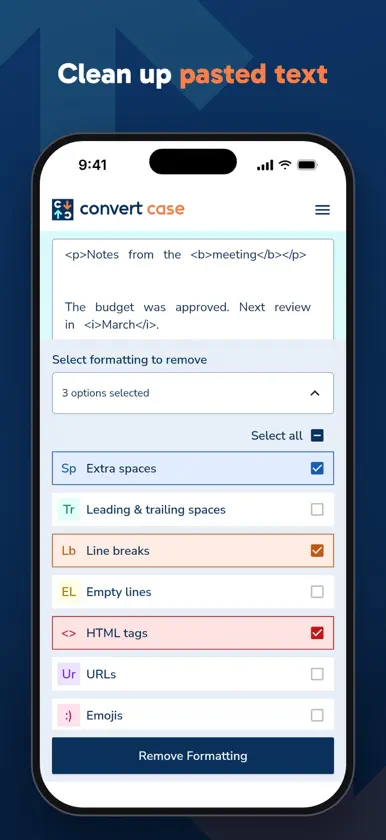
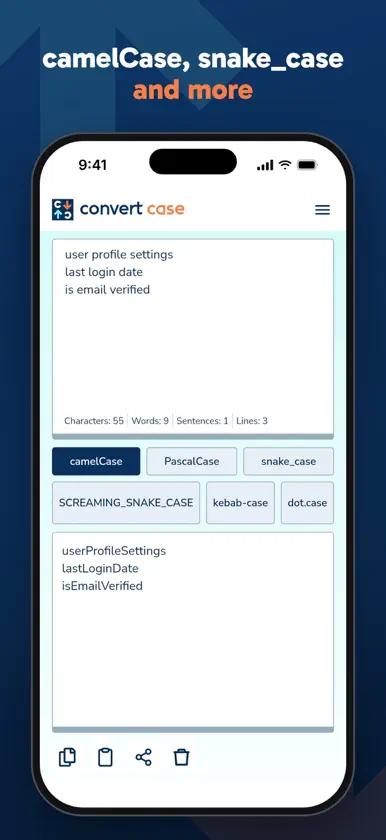
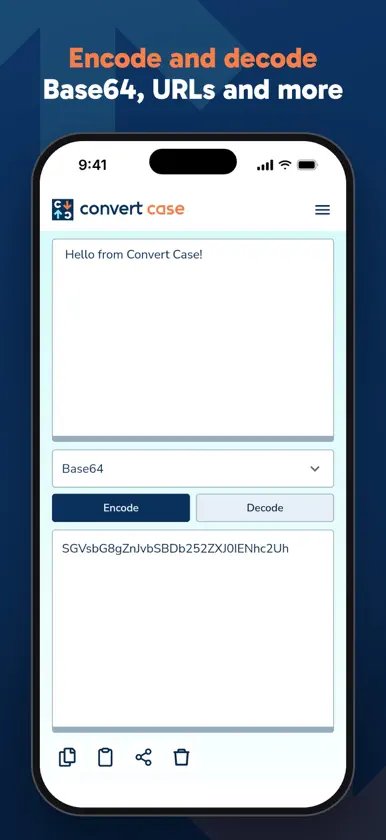
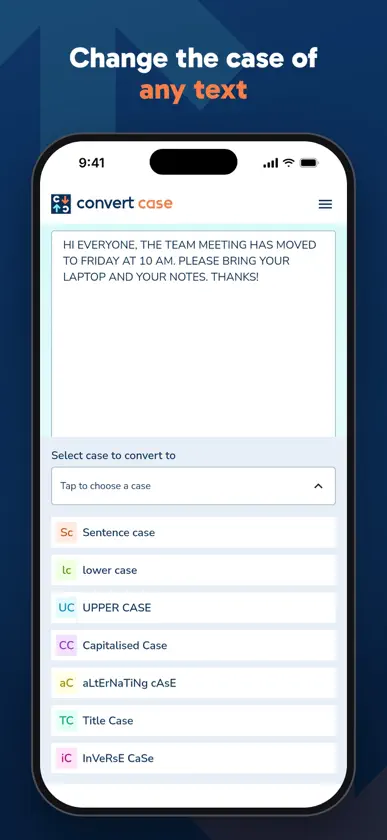
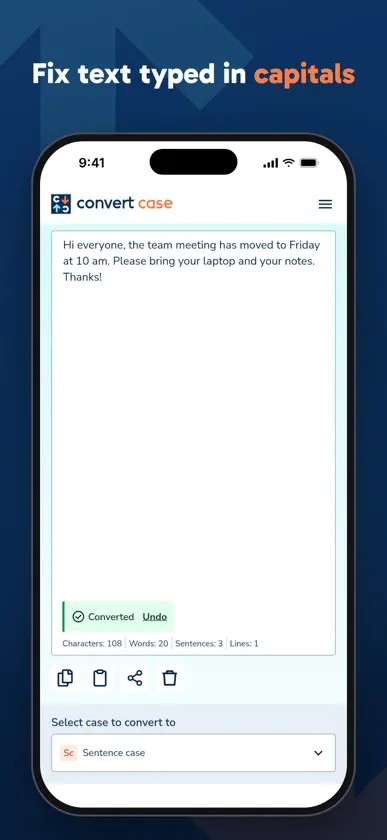
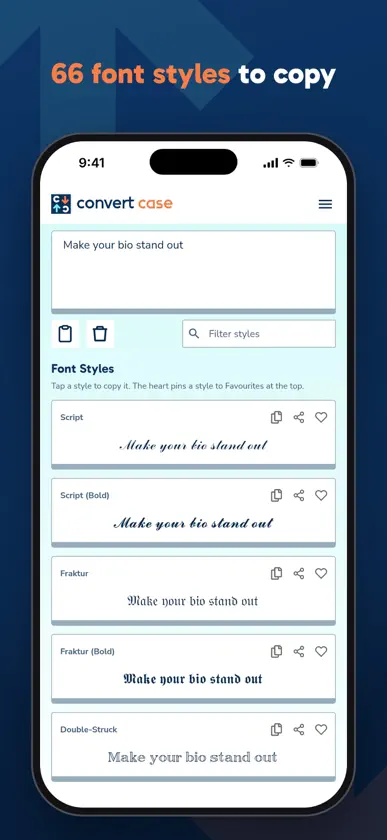
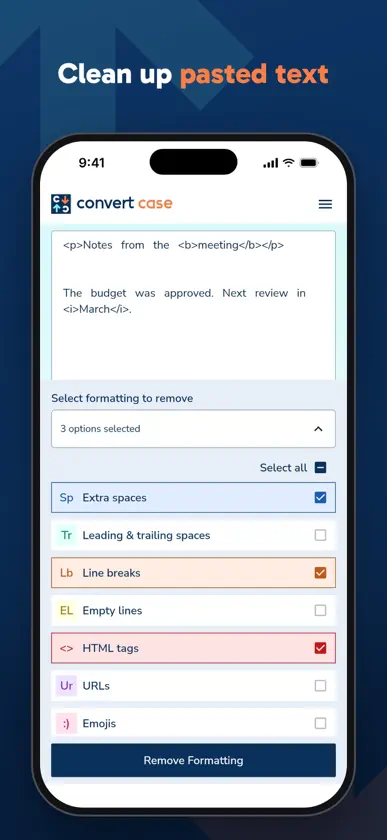
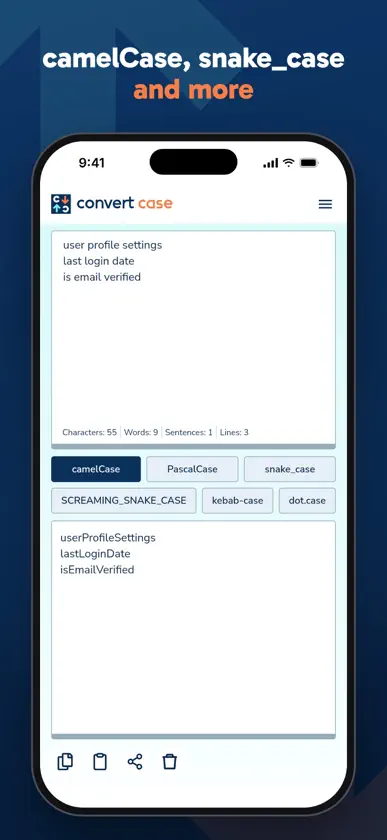
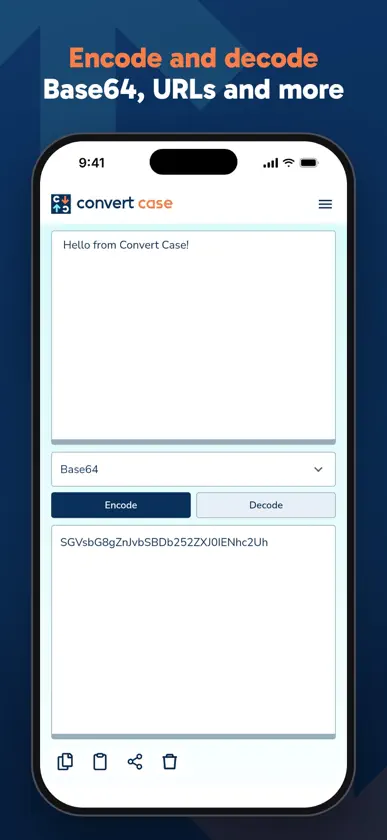
Convert Case changes the case of your text and cleans up its formatting. Paste text from a document, a message or a web page, pick a case, and copy the result back out. It gives the same results as convertcase.net. Features: - Seven cases: UPPER CASE, lower case, Sentence case, Capitalized Case, Title Case, aLtErNaTiNg cAsE and InVeRsE CaSe. Sentence case keeps abbreviations, initials such as U.S. and quoted sentences right, and Title Case keeps short words such as "and" and "of" in lower case. - Programming Cases: camelCase, PascalCase, snake_case, SCREAMING_SNAKE_CASE, kebab-case and dot.case, with a tab for each. Your text stays as you typed it and the converted text appears below, so you can switch between cases freely. Each line is converted on its own, and words in any alphabet are kept whole. - Fancy Fonts: 66 Unicode styles, including Script, Fraktur, Double-Struck, Circled, Small Caps, Upside Down, Mirror, Strikethrough and Underline. Tap a style to copy it, filter the list by name or by words such as "cursive" or "bubble", and pin the styles you use most to Favourites at the top. - Remove Formatting: remove extra spaces, leading and trailing spaces, line breaks, empty lines, HTML tags, URLs, emojis, em and en dashes, punctuation, numbers and special characters. Choose as many options as you need and apply them at once. Ordinary text is left intact: "don't" keeps its apostrophe, "$3.50" keeps its decimal point, and accents and other alphabets are kept. Your choices are remembered. - Encode / Decode: Base64, URL encoding, ROT13, UTF-8 hex bytes, HTML entities, binary and Unicode escapes, updated as you type. If you paste encoded text while Encode is chosen, the app offers to decode it. - Undo: Clear, Remove Formatting and a conversion can be undone for a few seconds afterward. - Sync text between tools: paste once and the same text is in Convert, Fancy Fonts, Remove Formatting, Encode / Decode and Programming Cases. - 14 languages: English (US and UK), German, Spanish, French, Portuguese, Polish, Italian, Hungarian, Slovenian, Greek, Filipino, Hindi, Turkish and Ukrainian. - Language rules: German ẞ in capitals, Turkish dotted İ, Greek capitals without accents, and Title Case keeps the short words of French, German, Spanish and Italian in lower case. - Proper nouns: over 3,000 names and abbreviations (iPhone, NASA, YouTube) keep their casing. Words that are also ordinary words, such as "rest" or "polish", only keep it where you typed them that way. Add your own terms in Settings. - Settings: language, System, Light or Dark theme, copy after converting, sync text between tools, and remember text between sessions. - Reminder notification: if you leave the app with text in it, a notification lets you come back and convert it. You can turn it off in Settings. - Paste, copy and share: one tap to paste text from another app, copy the result, or share it to messages, email or social media. - Quick-launch shortcuts: long-press the app icon to open Fancy Fonts, Remove Formatting, Encode / Decode or Programming Cases directly. - Works offline: everything works without an internet connection, and your text stays on your device.
What's new
Version 2.0.0 · Oct 27, 2026
The app now looks and converts the way convertcase.net does. - The site's fonts, colours, background and buttons, with the same messages after copying, sharing and clearing. - The header stays still when you switch between tools; only the page underneath moves. - Conversions give the same result as the site in every language: Sentence case keeps abbreviations, initials and quoted sentences right, Title Case follows the site's small words, and Greek capitals drop their accents. - Programming Cases shows the output below your text, with a tab for each case. - Fancy Fonts has all 66 of the site's styles, a style filter, favourites at the top, and two columns on iPad. - Undo after Clear, Remove Formatting and a conversion. - Text shared to the app now lands on Convert even if another tool was open. - Remove Formatting no longer damages ordinary text, and remembers your settings. - Encode and Decode are labelled, and the app offers to decode text that looks encoded. - Long pastes no longer slow down typing. - The FAQ answers questions about every tool, About links to the website in your language, and Settings comes before the FAQ in the menu. - The reminder notification now only appears when you leave the app from Convert. - Fixes: the app no longer stays on the launch screen when the time zone can't be read or opens empty when a link is shared from a browser, and Remove Formatting shows the right number of options selected in every language.
More from Convert Case Ltd


You might also like
 Text Cleaner: Case ConverterPixelated Development
 Case Converter MobileThomas Dalke
 Text Helper - Convert Case AppPhuong Thao Cao
 Convert Text - Format TextOttorino Bruni
 Wordy Word - Case ConverterMichael Caesario
 Text CaseChristopher R Hannah
 All-in-One Toolkit: Text/RegexStephen Kuyper
 Traverso Case ConverterSalvatore Zummo
 CaseFlipYMMV
 EasyNote - Plain Text NotesWilfred Cruz