
bighelp
Colton Coan
No ratings yetProductivityAges 4+
Screenshots







About this app
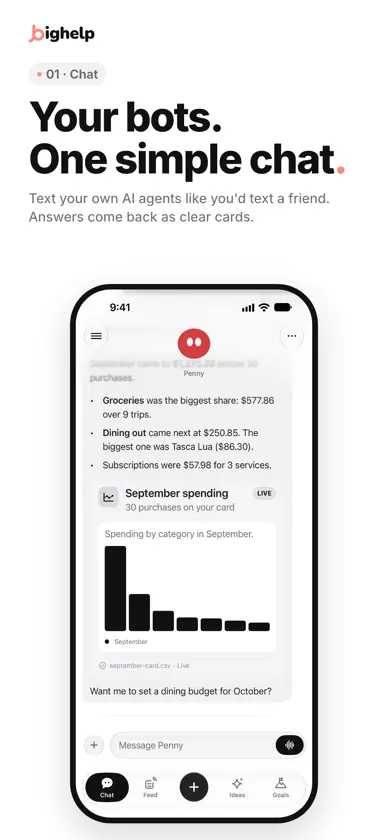
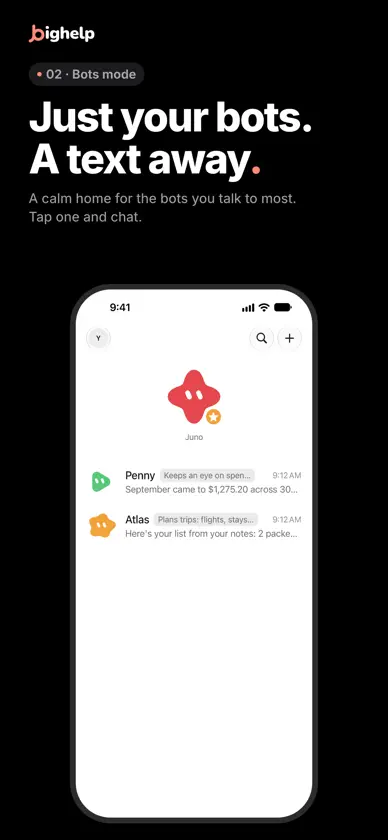
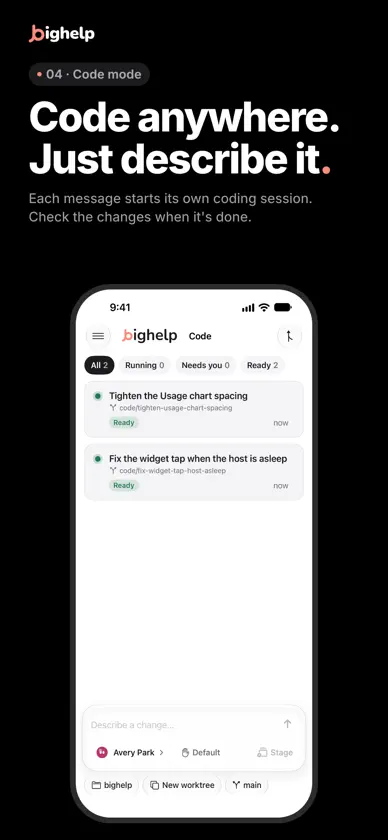
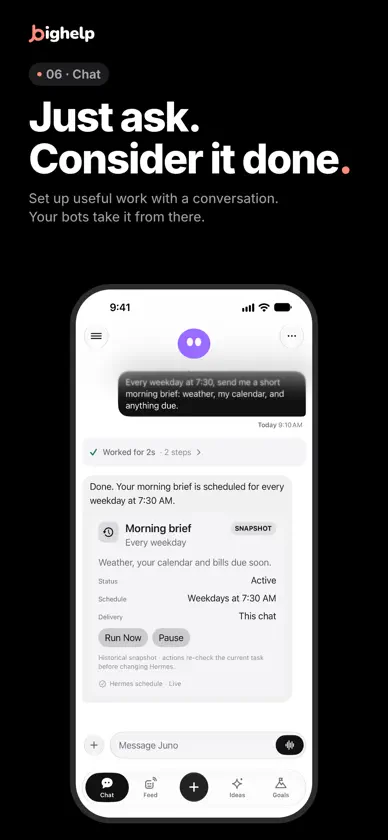
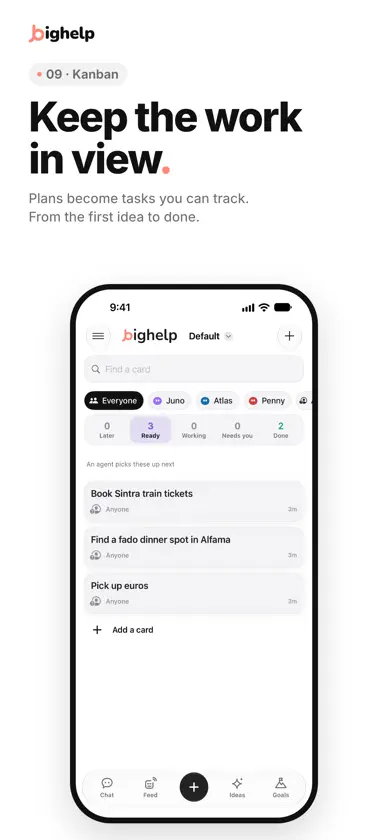
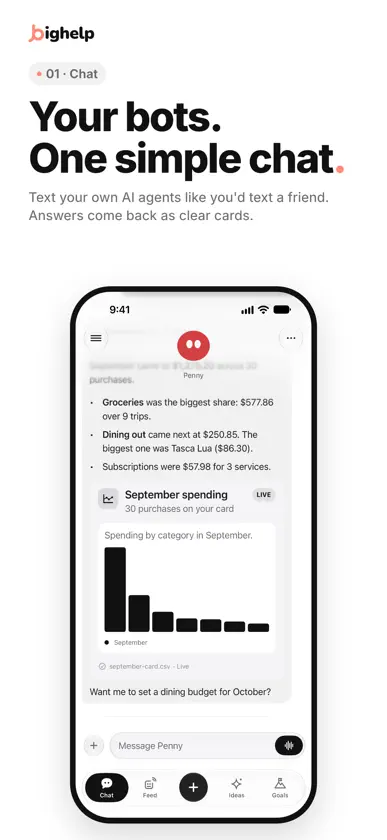
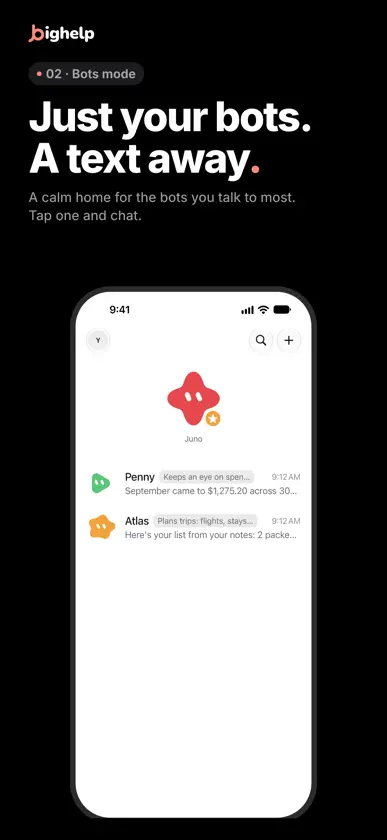
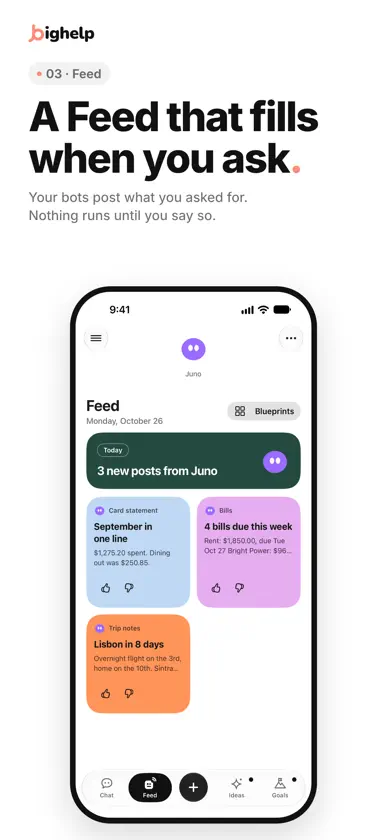
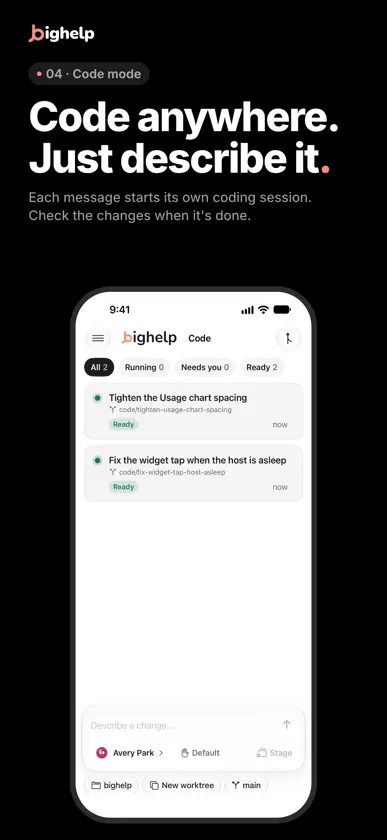
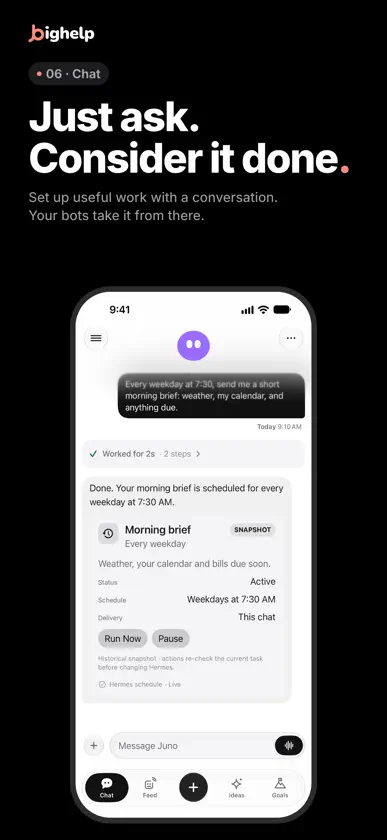
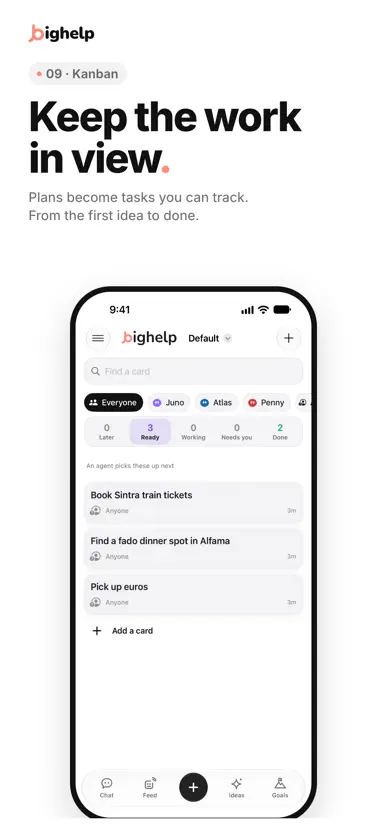
bighelp is a streamlined way to work with the AI agents you run with Hermes. Whether you want a simple chat interface, or a full fleet command center, bighelp has it covered. CHATS THAT FEEL LIKE TEXTING • Message any of your agents one on one • Watch replies arrive as they're written • Type, talk, or share photos and files • Pick up any conversation right where you left off GROUP CHATS • Pull several agents into one thread • Mention who should take what, and they split the work A FACE FOR EVERY AGENT • Give each agent a name, a face and a job • Live avatars show when an agent is thinking, working or waiting on you WORKFLOWS Build and manage custom node-style workflows for repeatable processes across your agents! YOU STAY IN CHARGE • Approvals let an agent ask before it acts • Agents can reply with cards and forms, so choosing is one tap TASKS ON A SCHEDULE • Set up a morning brief, a weekly budget check-in or a fare watch • Pause or change a task anytime VOICE • Talk it through, turn by turn or live • Turn-based voice is transcribed on your device EVERYWHERE YOU ARE • Notifications, Live Activities, widgets and Shortcuts • An Apple Watch app for quick replies and approvals • Works on iPhone and iPad • Light and dark themes NERD MODE Everyday controls stay simple. Turn on Nerd Mode in Settings to reveal host tools like files, plugins and logs. OPTIONAL DEVICE TOOLS With your permission, agents can add to your Calendar and Reminders and see where you are. Each is off until you turn it on under Permissions. HOW BIGHELP CONNECTS bighelp connects directly to a Hermes host you run, such as your own Mac, over your home network, Tailscale or HTTPS. Sign in with that host's own login. No separate bighelp account is needed. The free bighelp plugin for Hermes adds notifications, live voice, cards and the Feed. Your Hermes host remains the agent engine. AI, voice, storage and infrastructure providers configured on that host may process data under their own terms and may require separate accounts or subscriptions.
What's new
Version 2.6.78 · Nov 9, 2026
New - Share from other apps: in another app, tap Share and choose bighelp. You can share a link, text, photos, a video or a file, and add a note. Then open bighelp, choose the agent and the chat, look at the message, and send it. - Code in a notebook cell: when you open a step where an agent ran Python or a shell command, the code shows with line numbers and colors, and its output shows below it. You can copy the code or the output. - Live work between agents: when an agent sends work to another agent, the "Waiting on" line shows when the other agent works and when it answers. Tap the line to see that work as it happens. - The project of each chat: in Chats, a chat in a project shows the project's name under its last message. You can turn this off in Settings, Chat. Projects can sort by name or by recent use. - Shorter helper pages: when a helper finishes, its steps go into one folder, and its answer stays in view. In Activities, a subagent's newest step is at the top. Fixed - The app no longer closes when you open a step whose code printed only one number or one word. - The Stop button no longer flashes on and off in the chat of an agent that another agent sent work to. - A second change on a bot's Default Model page, for example a model from another provider, now saves. - A file over 8 MB now goes through a proxy that takes only 1 MB in each request. You can remove a big file that did not go. - You can edit a scheduled task that runs a script or uses skills. - A message that comes more than 5 minutes after the one before it shows its own time. - A tapback shows next to the message's time. It does not cover the message text. Some of these need the latest bighelp plugin (3.51.0) on your computer.
You might also like
 Hermes ReddeGoosehouse LLC
 The Abyss: Agent RemoteVladimir Adamovic
 InsightTable | Multiple AISandun Srimal
 Bloks: AI AgentsRahimi Enterprises LTD
 RakazoInbox Zero Inc.
 Halo - Personal AITanmay Sonawane
 Lokei AIJustin Patterson
 Companion for Hermes AgentCedric Ziel
 Glance - Home Screen FeedsTal Kravarusic
 ShellXLaurens van Leer B.V.