
CalStack
Pick Two Productions Inc
No ratings yetProductivityAges 4+
Screenshots


About this app
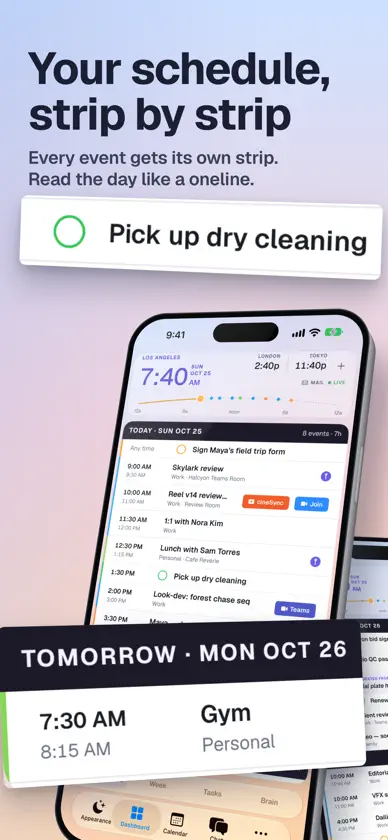
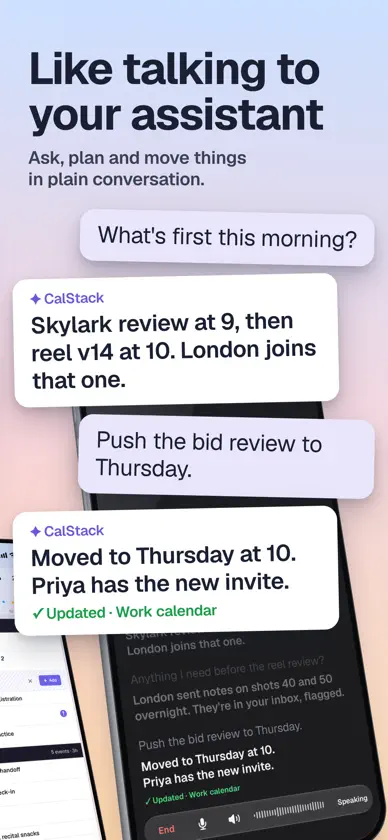
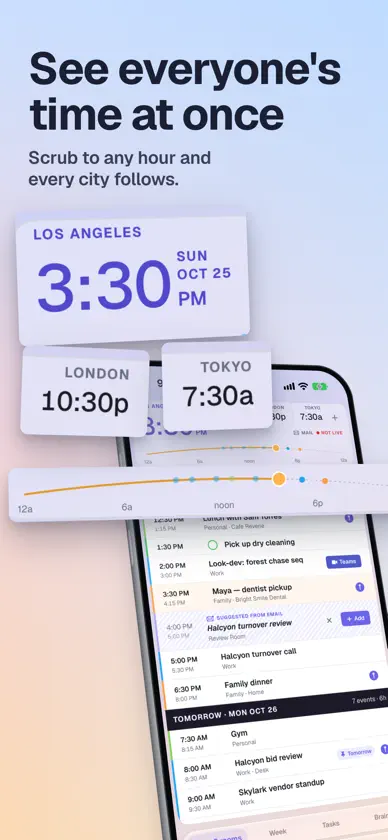
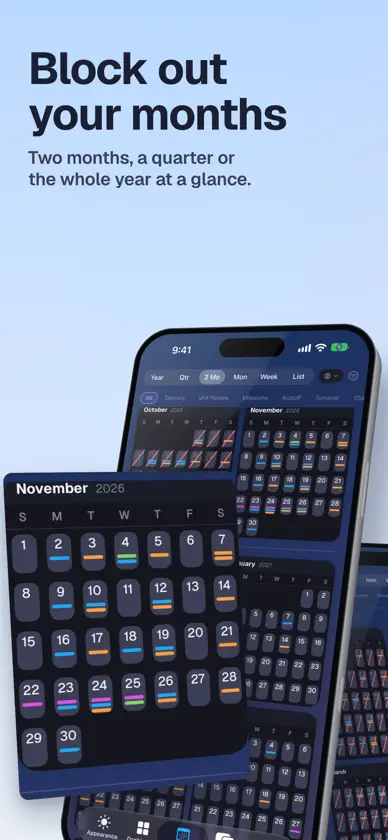
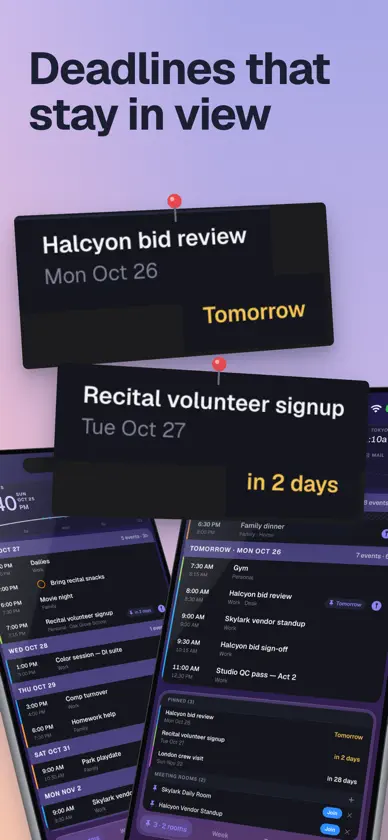
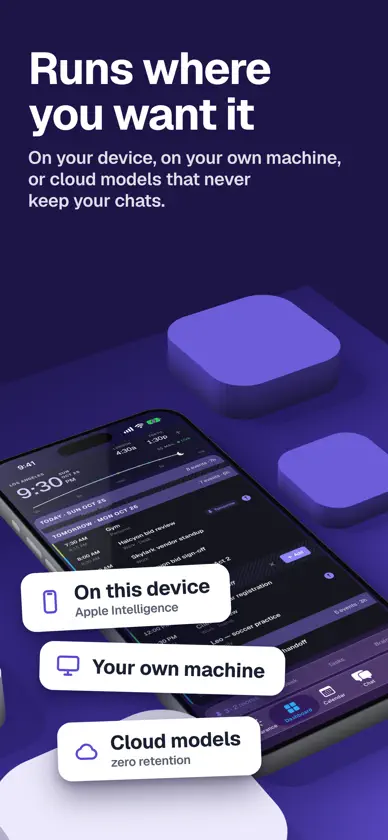
CalStack is a personal command center for your calendar, email, tasks, notes, contacts, and AI assistant. Built for people who live across meetings, travel, family schedules, projects, and inboxes, CalStack brings the day into one focused view instead of scattering it across apps. See your day, upcoming week, pinned events, meetings, reminders, and time zones in a single dashboard. Use Start Day, Check In, and Wind Down rituals to turn your calendar, email, tasks, and notes into practical daily context. CalStack also includes an AI chatbot that can work with your local app context, including calendar events, synced notes, processed email, contacts, and saved preferences. You can connect supported AI providers or local model servers depending on your setup. Key features: • Unified calendar dashboard • Day, week, month, quarter, year, and list calendar views • Pinned and starred calendar events • Time zone dashboard with time scrubber • AI-assisted Start Day, Check In, and Wind Down workflows • Email sync and searchable email context • Brain notes and memory layer • Contact tracking • Meeting and video link support • Local model support for privacy-focused workflows • iCloud sync for supported app data • Native iPhone, iPad, and Mac layouts CalStack is designed to help you understand what matters today, prepare for what is coming next, and keep useful context close without turning your day into another inbox.
What's new
Version 1.2.5 · Nov 7, 2026
Smoother coming back, and Calendar on the dashboard. • Coming back to CalStack from another app no longer redraws the dashboard wide and settles it back, and the long freezes on return are gone with it: the app refreshes once, not several times at once, and a pin sync that ran in circles between devices has been stopped. • Calendar joins Week, Tasks and Brain on the dashboard, on iPhone and on the iPhone Duo's exterior screen. • After five seconds, Today rolls slowly up past your tasks to the first timed event, now on iPhone and the Duo's exterior screen too. A touch leaves it where it is. • Night: weekends stand out in the month grids. • Apple Watch: today's all-day events sit above the now or next card, the complication times are bigger, and complications follow a Focus change sooner. • The news headlines are a little bigger. • Clocks: pin side cities to keep them beside the main clock.
More from Pick Two Productions Inc

You might also like
 Velea – CalendarSotheara Say
 Goodmeet: AI Meeting NotesGood Systems
 Pacpost.livePacific Post Rentals, Inc
 CrossShift - Shift Schedule培培 李
 SigniantSigniant
 Flow Production TrackingAutodesk Inc.
 Jam Family CalendarJam Life, Inc
 AI Assistant: Images & WritingBickster LLC
 Granola - AI Meeting NotesGranola inc
 QR Code Scanner Pro *Talzo Media Ltf.