
JetRemote
German Alfonso Torres
No ratings yetUtilitiesAges 4+
Screenshots







About this app
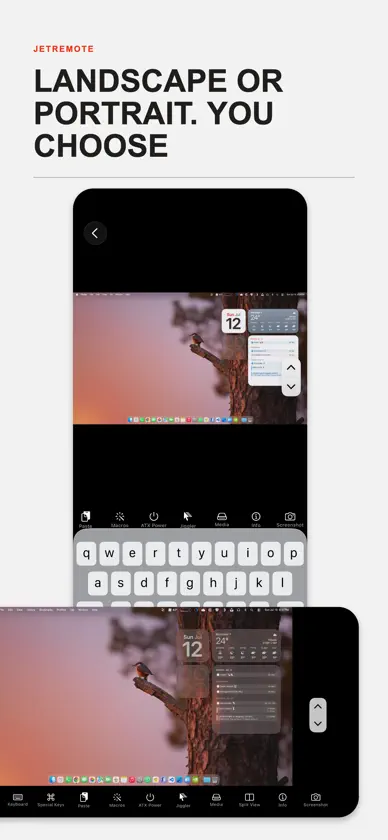
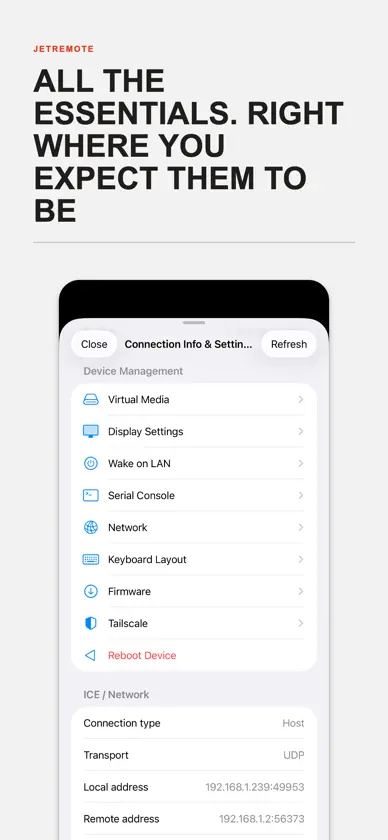
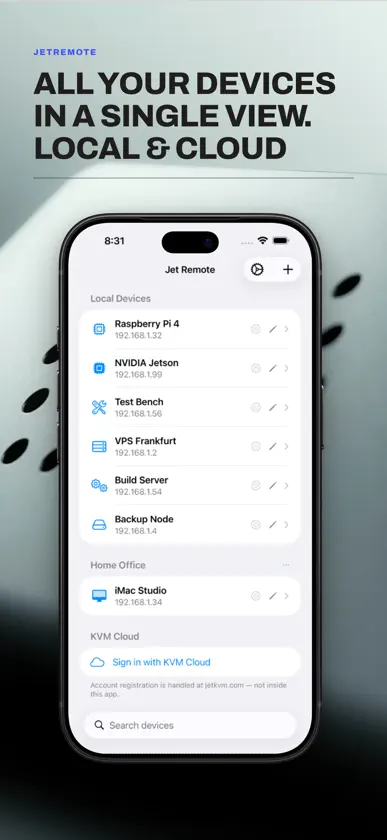
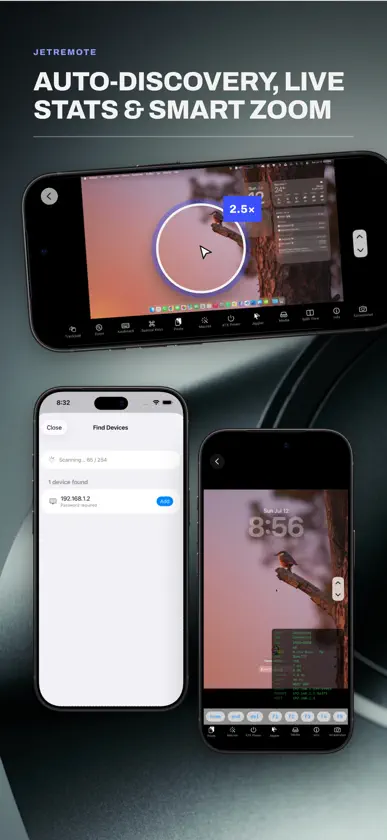
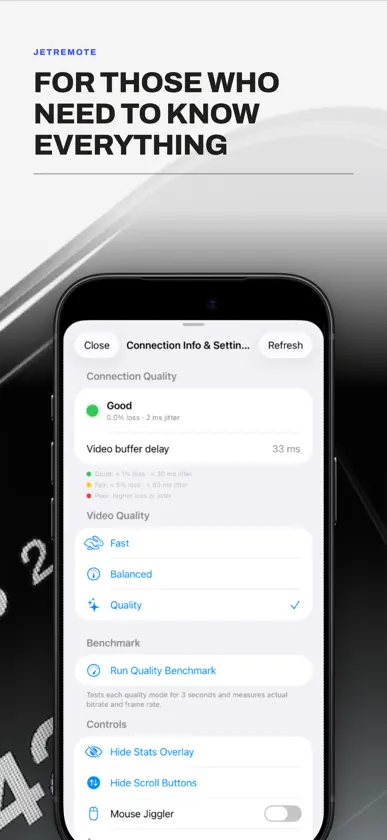
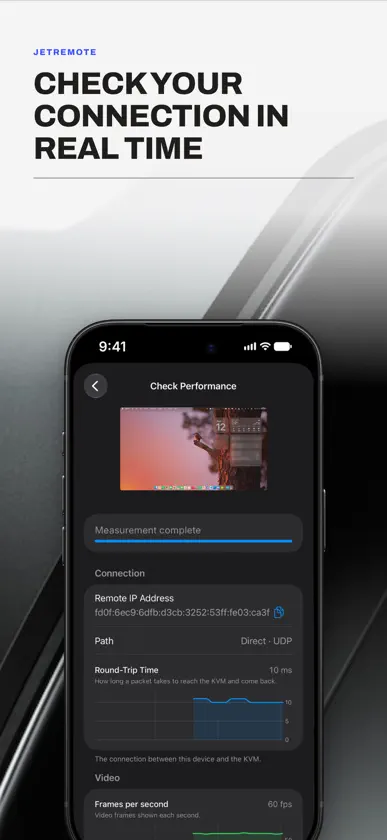
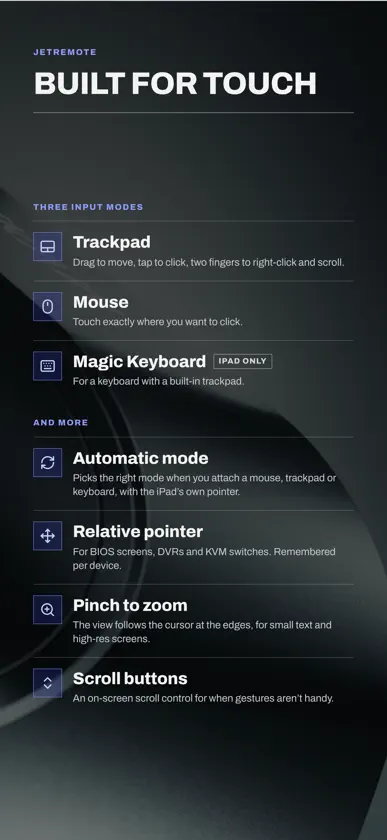
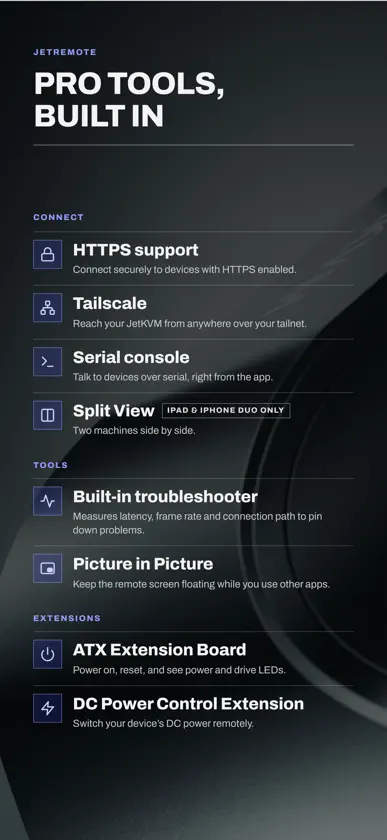
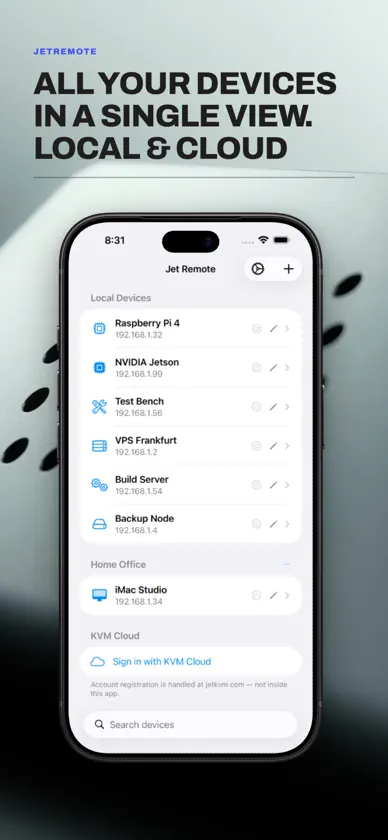
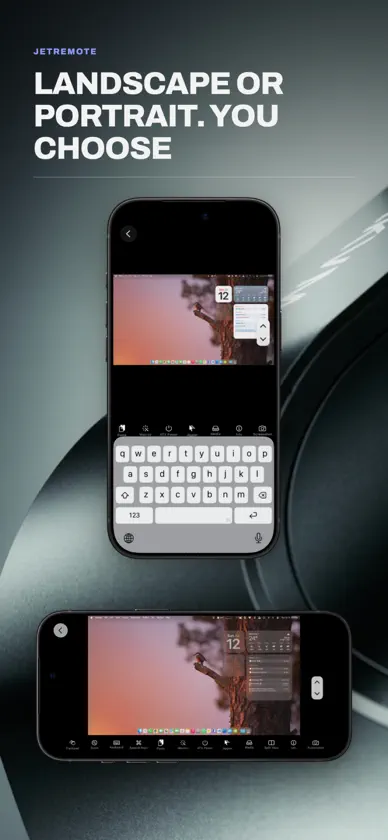
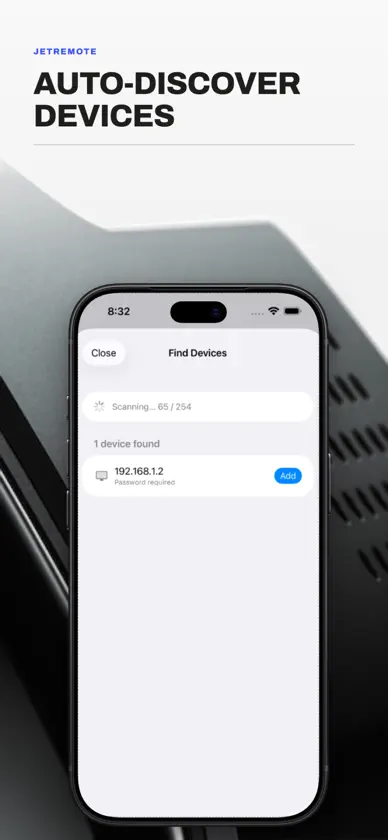
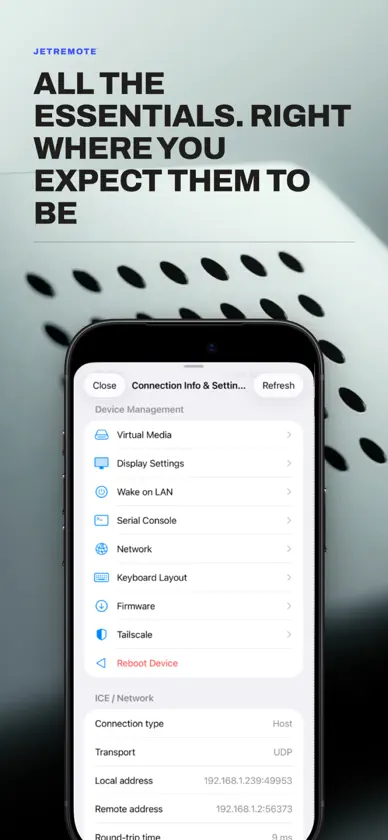
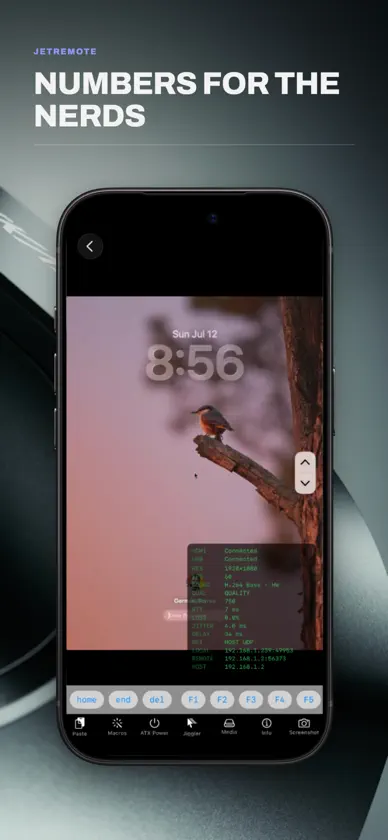
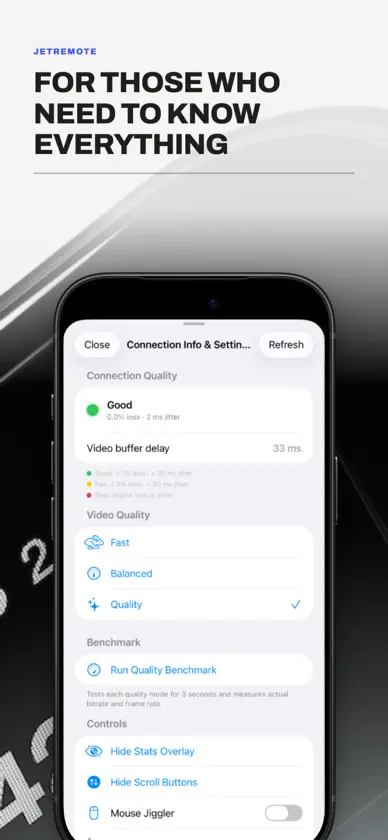
Jet Remote gives you native iOS and iPadOS control over your Jet KVM hardware device from anywhere in the world. View your target hardware remotely and control its mouse and keyboard as though you were sitting in front of it. This app provides the original native mobile experience built specifically for KVM power users, and we're confident you'll love it. ===Key features=== • Connect via your local network, KVM Cloud, or Tailscale tailnet with hardware-accelerated streaming. • Manage multiple simultaneous hardware sessions in clean, separate tabs (iPad only). • A scrolling toolbar above the virtual keyboard includes advanced keys such as Esc, Tab, Ctrl, Alt, Cmd, arrow keys, and F1–F12. • Support for hardware and Bluetooth keyboards with full passthrough. • Build and trigger multi-step Keyboard Macros with just one tap. • Live diagnostic overlays displaying real-time resolution, FPS, RTT, bitrate, packet loss, and jitter. • Built-in Mouse Jiggler to keep your target OS remote sessions alive automatically. • Serial Console, Wake on LAN, and full ATX Power Control. • Paste clipboard directly to remote. • Device list syncs automatically to iCloud, with manual backup and restore. ===Please note=== This app is a client utility and requires a specific KVM hardware device (available at jetkvm.com) connected to a target computer or server to function. Cloud access requires an existing account — registration is managed at jetkvm.com, not within this app.
What's new
Version 1.5 · Nov 9, 2026
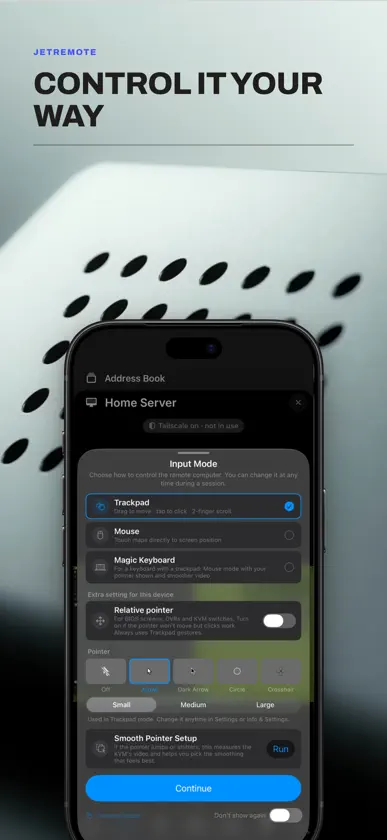
New • Picture in Picture: leave the app during a session and the remote screen keeps playing in a small window, still connected. On by default; turn it off in Settings › Video & Sound. • Sessions stay connected when you switch to another app for a moment, and the remote computer's sound keeps playing. If a session dropped while you were away, it reconnects right away when you come back. • A pointer drawn by the app in Trackpad mode that moves the instant your finger does. You choose whether to use it, its design and its size; change it anytime in Settings › Pointer & Trackpad. • Smooth Pointer Setup measures your KVM's video and picks the smoothing that stops the pointer from sticking and jumping, saved for each KVM. • Press and Hold to Right-Click, an option in Settings › Pointer & Trackpad. Double-tap and slide to drag or select text. • Diagnose a KVM, in Settings › Diagnostics: checks your network, the KVM's address, ping and route, and tells you what to try when it can't be reached. Check Performance measures speed and smoothness with live charts. • Settings are now grouped into sections. Fixes • Fixed a crash when the KVM took too long to answer. • Zoomed in, in landscape, the remote pointer now stays under the app's pointer. • Tapping a cloud KVM that's already open now switches to it instead of opening a second session. • A two-finger flick now keeps scrolling, and turning Zoom off keeps the current zoom. • Coming back to the app no longer reconnects after another device took over the session, or after a wrong password. • Turning on Sync with iCloud now shares your devices right away. • Fixes to Home Screen quick actions, iPad split view and several settings. Thanks for using Jet Remote! Found a bug? Please report it from inside the app: Settings › Report a Bug or Create Support Ticket.
More from German Alfonso Torres


You might also like
 ArrkAlessandro Mazzon
 Mikonus for Home AssistantCarsten Schmuckermeier
 Sealva - VDS ValidatorTobias Senger
 Grim Reader: EPUB, PDF, ComicsMaarten de Kreij
 My IP WidgetOkroshka Lab
 IP Scanner UltraMatia labs, inc.
 Domain Check WHOISGeekme
 TracearrConnor Gallopo
 Spool MasterSebastien Girod
 Speedcam EstimatorChristophe Colineaux