
Poly-PDF
German Alfonso Torres
No ratings yetUtilitiesAges 4+
Screenshots







About this app
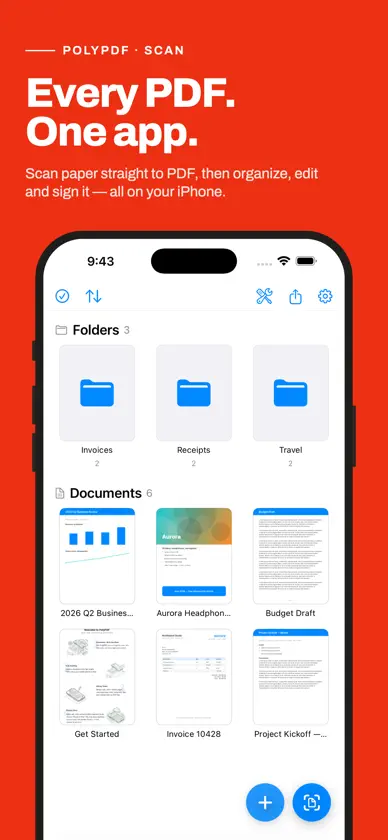
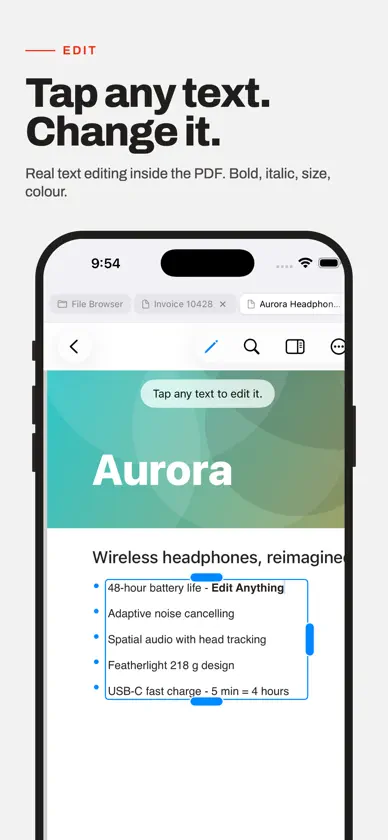
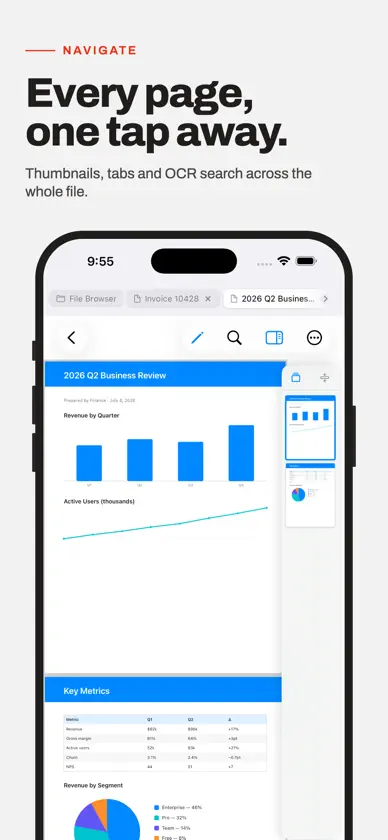
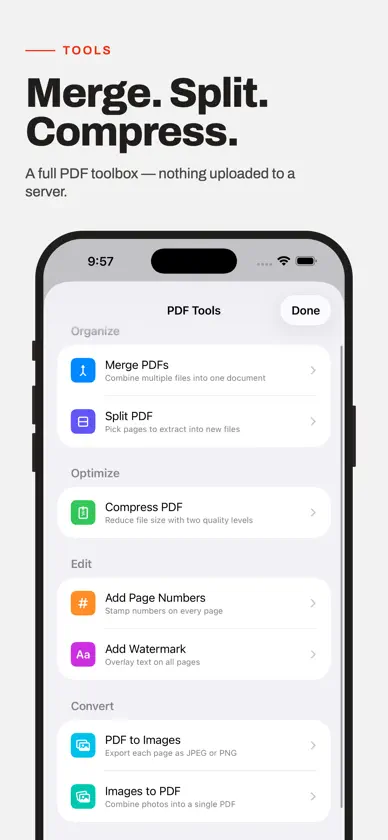
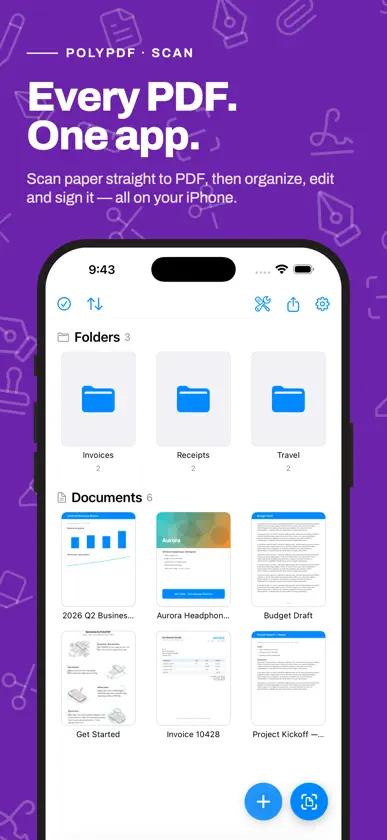
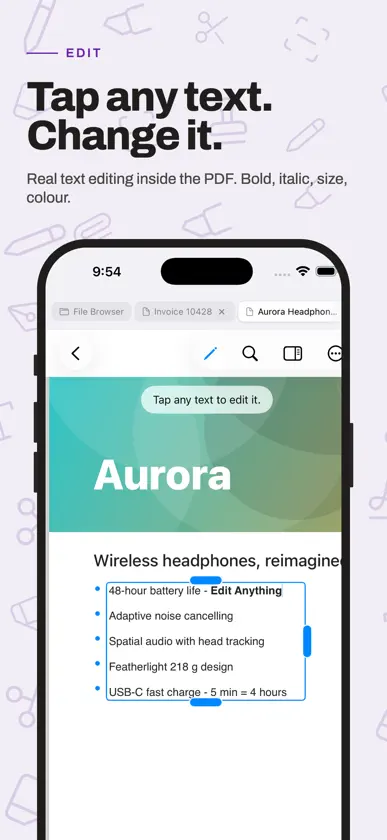
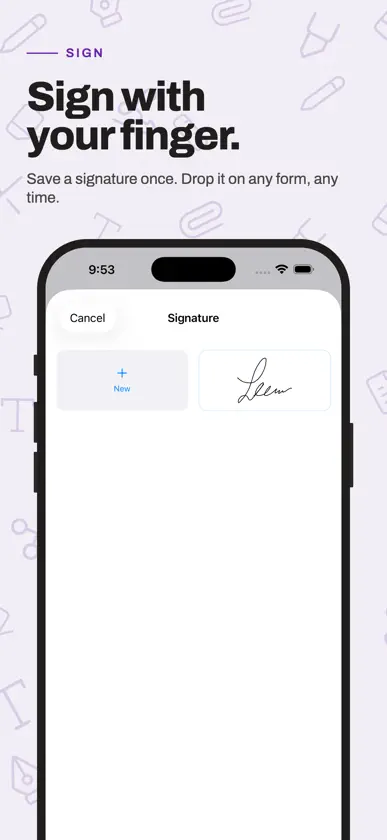
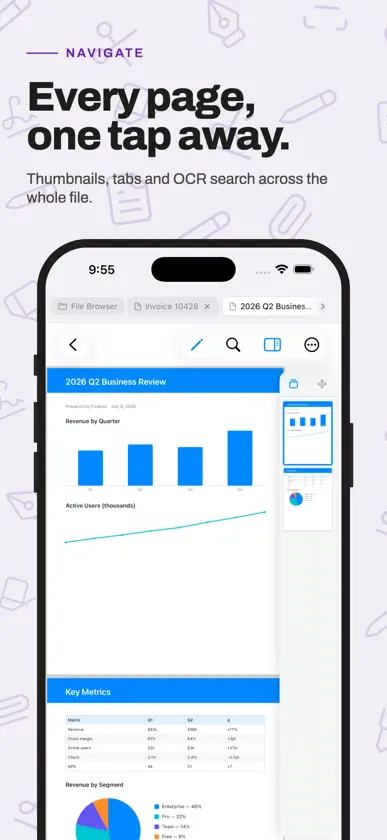
Poly-PDF — Scanner, PDF Editor & Annotator Pay once, own it forever — no subscriptions, no in-app purchases, no surprises. Poly-PDF is a complete PDF editor for iPhone and iPad. Edit text directly on the page, annotate documents, fill forms, sign, and organize your files. EDIT TEXT IN PLACE Tap any text on a PDF and start typing. PolyPDF lets you edit the actual content of a document right on the page, preserving the original font, size, and layout. Change a date, fix a typo, or rewrite a paragraph. ANNOTATE ANYTHING Add sticky notes, text boxes, shapes, arrows, and freehand ink drawings anywhere on a page. Highlight, underline, or strikethrough selected text. Every annotation is saved directly into the PDF so it opens correctly in any other app. FILL FORMS & SIGN Tap any form field to fill it in. Add your signature from a saved library or draw a new one. Insert images and stamps with a single tap. SHAPES & DRAWING Draw rectangles, ovals, lines, and arrows with full control over stroke color, fill color, and line width. Sketch freely with the pen tool or highlight with the highlighter. Smart alignment guides help you center and align objects on the page. ORGANIZE YOUR LIBRARY Keep your PDFs tidy with folders, search, and sort options. Drag a file onto a folder to move it instantly. Open PDFs directly from iCloud Drive and save changes back in place. SCAN DOCUMENTS Turn paper into PDFs with the built-in document scanner. Scan multi-page documents in seconds and save them straight to your library. POWERFUL PAGE TOOLS Reorder, rotate, insert, and delete pages. Export a clean flattened copy of any document. Redact sensitive information permanently with the redaction tool. BUILT FOR iPAD Open two documents side by side in split view with synchronized scrolling. Use the full-screen reading mode for distraction-free viewing. Keyboard shortcuts make editing faster than ever. MORE FEATURES · Table of contents navigation · Bookmarks and go-to-page · Full-text search across pages · Password-protected PDF support · Dark mode support · Undo and redo for all edits · Works entirely offline — no account required Poly-PDF is built for people who work with documents every day. Whether you're reviewing contracts, editing reports, filling out forms, or marking up study notes, Poly-PDF gives you the tools to get it done — right on your device.
What's new
Version 1.6.3 · Nov 10, 2026
Thank you for being a PolyPDF customer! -Editing tools are now sorted into five named groups: Markup, Text, Insert, Document and Share. Every tool shows its name, so what you need is easy to find. On iPad in landscape, all five groups show at once. -Undo and Redo are now at the top, next to the Back button, always within reach. -The Annotations list and Customize Toolbar are now in the ⋯ menu. -Scribble is now called Pen. -PolyPDF remembers the tool group you used last. -Pinch a selected shape, photo or signature to make it bigger or smaller. -When signing, the bottom of the page now scrolls clear of the toolbar, so the signature line is always within reach. -Switching between open documents on iPhone is quicker and smoother, and selecting a shape no longer zooms the page. If you run into any issues or have suggestions, we'd love to hear from you: tap Settings → Report a Bug inside the app.
More from German Alfonso Torres


You might also like
 Plain Text Editor - PlainTextTakao Ichimura
 Coin FlippKwabena Asiama
 Total files proApp Ideas
 KoolCodeDanfoss A/S
 TracerouteXFUTURE LINK NETWORK Company Limited
 SenseCraftSeeed Technology Limited
 RAR Extractor - Unarchiver青青 余
 Mechanical Engineering ToolkitAPPS BAY LIMITED
 Smooth PrintBrother Industries, LTD.
 Private LLM - Local AI ChatNumen Technologies Limited