
Screenshots


About this app
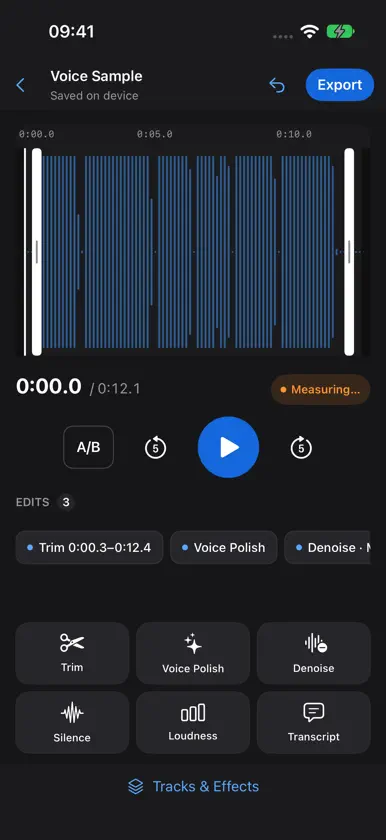
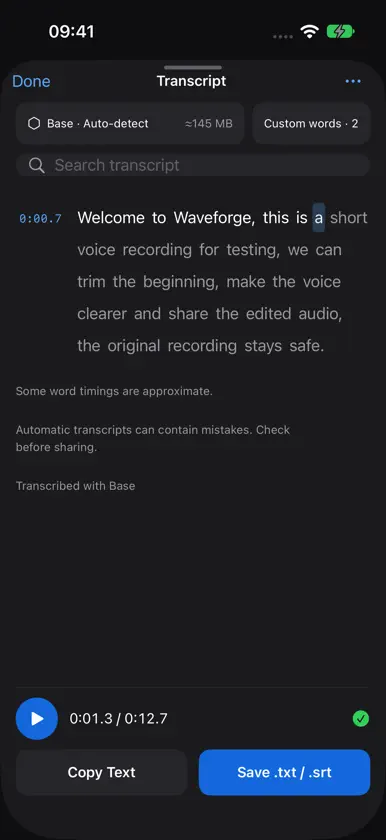
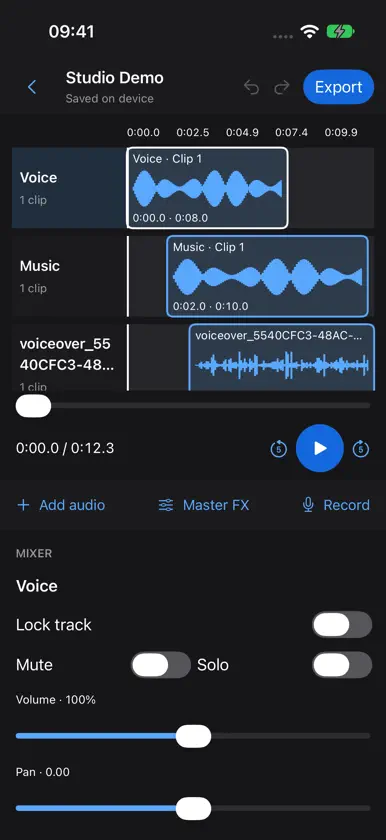
Record an idea, clean up a conversation, or finish a podcast wherever inspiration finds you. Waveforge brings recording, audio editing and private transcription to your iPhone and iPad, with a spacious workspace when you have a larger screen. Made for everyday voice notes, interviews, lessons, voiceovers and podcasts, Waveforge helps you turn a rough take into something worth sharing. All included tools are free. There are no subscriptions, in-app purchases, accounts or ads. RECORD WHILE THE IDEA IS FRESH Capture audio with a live waveform and level meter. Pause when you need a moment, resume when you are ready, and add markers to find important moments later. Name your recordings so your next project is easy to find. Recover an unfinished take if a session is interrupted. EDIT WHAT YOU HEAR Scrub directly on the waveform and drag the trim handles to keep the part you want. Zoom in for a closer look, audition your selection, and compare your edits with the original. Voice Polish, noise reduction, silence removal and loudness controls help prepare spoken audio for listening and sharing. Your imported originals stay untouched. TURN SPEECH INTO TEXT, PRIVATELY Create a transcript on your device with an optional speech-recognition model. Choose a model, language and custom words for names or specialist terms. Tap a word to jump to that moment in the audio, follow the words during playback, and search for the passage you need. Export plain text or timed SRT subtitles. Transcription requires a model download and enough free storage. The download needs an internet connection; transcription then runs locally. Your audio is not uploaded for recognition. Results depend on the recording, language and selected model, and should be checked before use. BUILD A MULTITRACK MIX Combine voice and backing audio, record a voiceover, and adjust track volume, pan, mute and solo. Shape your sound with EQ, compression, limiting, reverb, delay and pitch effects. Open portable Mac .waveforge projects and save an editable project to continue later. EXPORT FOR YOUR NEXT STEP Choose M4A for a smaller file, or WAV and AIFF for uncompressed audio. Set the available quality, sample-rate and bit-depth options, choose a loudness target, and include SRT subtitles when a current transcript is available. Save to Files or use the system Share sheet to send your finished audio to another app. A WORKSPACE THAT FITS Keep things focused on iPhone. On iPad and unfolded iPhone Duo, use the wider workspace with waveform, transport controls, edits, meters and transcript views. Find your recent projects from the home screen and keep working at your own pace. YOUR AUDIO, YOUR CONTROL Waveforge processes recordings, edits, mixes and transcription on your device. No account is needed, and there is no tracking or advertising. If you choose a cloud location or another app through Files or Share, that service handles the files you send under its own policies. Privacy Policy: https://3nsofts.com/waveforge/privacy Terms of Use: https://3nsofts.com/waveforge/terms


